
← hear yourself back, without a studio
The Best App to Record Your Voice Is Already on Your Phone
Your phone already has a free voice recorder, Voice Memos on iPhone or Recorder on Android, so you can record yourself singing today without buying anything.
 Gus Harmon · Updated July 8, 2026 · how I decide
If you buy through my links the site earns a little. It's never why I pick things.
You already own the app. On an iPhone it’s Voice Memos; on Android it’s Recorder. Both are free and already installed. To sing over music, pull up the karaoke version of the song on YouTube, play it out loud, and hit record. Nothing to buy.
Here’s the thing. Most people who search this are not chasing a studio. They’ve got one thing they want to make: a song for somebody.
I read one guy say it plain. He’s not a singer, but his girlfriend wants him to sing her a song, and he at least wants it to sound good. That’s the whole job. You don’t need a microphone for that. You need the recorder that’s already in your pocket and a quiet room.
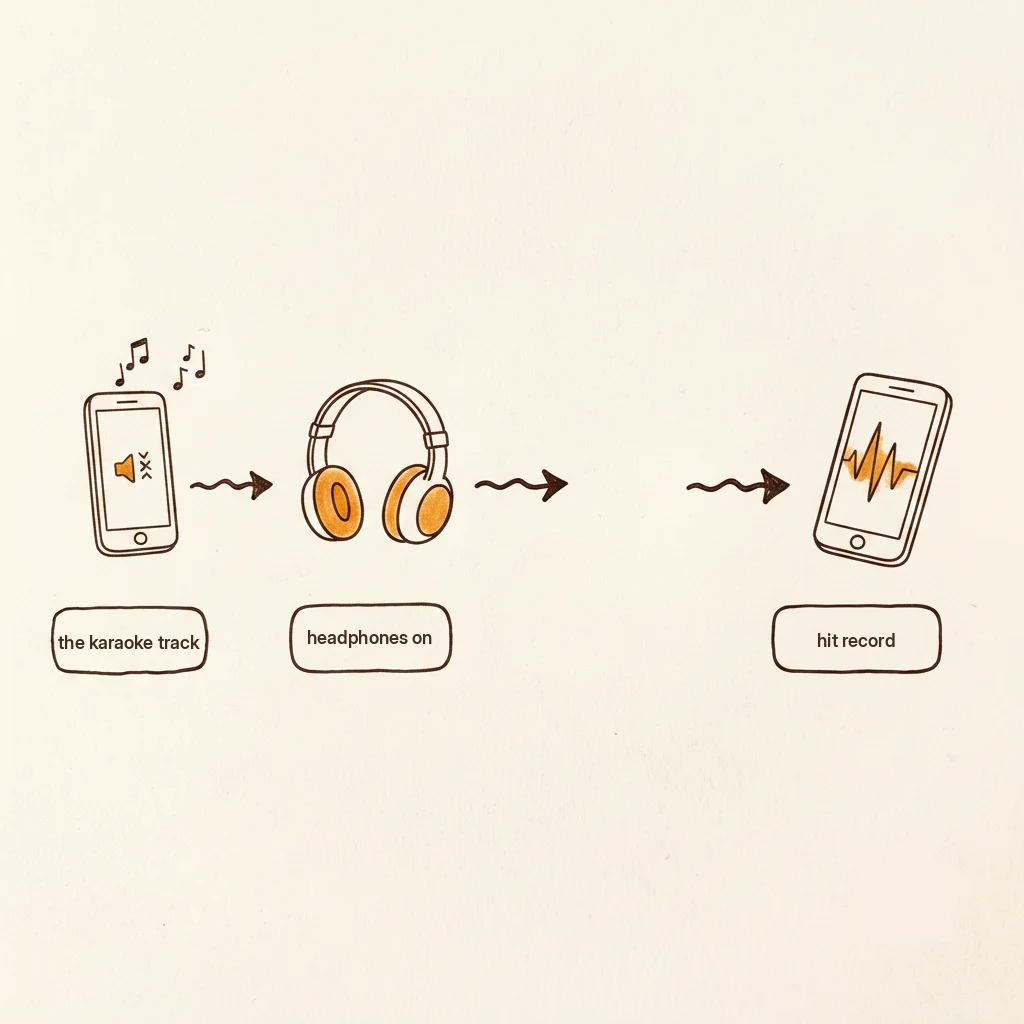
So do this first. Search YouTube for the song name plus the word “karaoke,” or the word “accompaniment.” Play it out loud on a speaker. Open Voice Memos or Recorder, hit the red button, and sing. No mixing. No editing. You just made a recording.
And honestly, sometimes the answer is no app at all. Somebody in one of these threads asked the guy, why don’t you just sing it for her live? Fair question. If the app is stopping you from doing the thing, skip the app.
What about recording over music the right way
The one detail that changes everything is headphones. Put them on before you record over a backing track, so the music plays into your ears instead of into the room.
When you play the music out loud and record at the same time, the microphone can’t tell your voice from the speaker. It hears both, mashed together, and it can never un-hear the speaker later. You get that bathroom sound, voice and music smeared into one muddy take.
Headphones fix it because the music goes into your ears only. The microphone hears just you. That’s the whole trick, and it costs nothing.
When the phone stops being enough
For a while it will be plenty. If you keep recording and you start wishing you had reverb and a way to clean up the hiss, the next free step is a program called Audacity.
It runs on a computer, it’s free, and it lets you import the backing track and record your voice over it. Headphones on, same rule. People who use it call it a whole playground: free reverb, free noise cleanup, no subscription.
That’s the fork worth knowing about. The traps to skip are the subscription “recording studio” apps that charge you monthly for reverb the free tools already give you. You don’t need them to start.
If you ever get past all this and want real karaoke tracks on tap, there’s a service called KaraFun, about ten dollars a month and you can cancel anytime, that gives you the instrumental versions without the YouTube hunt. That’s a want, not a need. Cross that bridge when you’re recording every week.
Open Voice Memos, pull up the karaoke version of the song from YouTube, headphones on, door closed. Sing it. If you’re still recording in a month, then we talk about a microphone. Not before.
If you’re figuring this out, you’re probably also wondering:
Gus Harmon
Gus spent three decades running sound wherever somebody needed it: bar bands, weddings, school shows, and twelve years of Sunday mornings. He can't sing a note. He can make sure you're heard. Now he writes so normal people can buy the right thing the first time.