
← hear yourself back, without a studio
How to Record Yourself Singing on an iPhone
Voice Memos records you fine and GarageBand (free, probably already on your phone) records you with the music in your headphones, so put in earbuds, play the track, sing, and buy nothing.
 Gus Harmon · Updated July 8, 2026 · how I decide
If you buy through my links the site earns a little. It's never why I pick things.
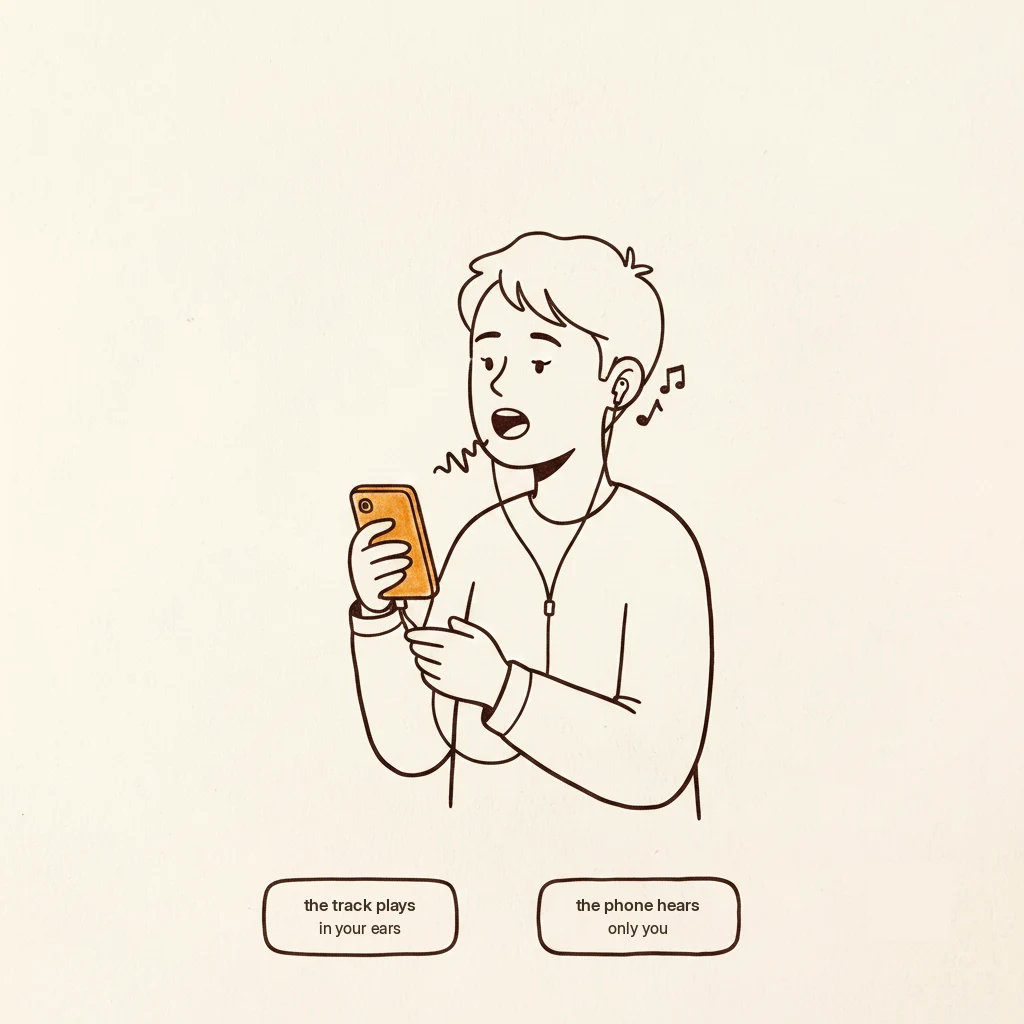
Do the easy thing first
Open Voice Memos. Hit the red button. Sing.
That’s a real recording of you singing, and if all you want is to hear yourself back, you are finished and you spent nothing. Put the phone a foot or so away at chest height, slightly to the side of your mouth so your breath doesn’t thump it.
Listen back once. That’s the whole exercise, and it does more for your singing than anything you could add to a cart.
The problem you hit on song two
You want the music behind you. So you play the track out of a speaker and sing over it, and the recording comes back as one soup: backing track, your voice, the room, all glued together forever.
There’s no fixing that afterward. The music and the voice are the same recording now.
GarageBand, free, already there
GarageBand is Apple’s free music app. It records you onto one track while it plays a backing track into your earbuds, which is exactly the thing Voice Memos can’t do.
Put your earbuds in. Bring in the music. Hit record. Sing. If you don’t like the take, do it again, and the music stays untouched.
That’s it. That’s what people mean when they talk about recording at home.
Hearing yourself while you sing
If you have AirPods, your iPhone will let you hear yourself live through them while you practice. Apple calls it Live Listen. It costs nothing and you already own both pieces.
It sounds like a gimmick. It’s the single most useful free thing on this page. Singers who can hear themselves stop pushing, stop shouting, and land more notes.
If you want to record karaoke
Same setup, different music source. Run a karaoke app for the track (Karafun gets named by people who do this a lot, around $6) and record yourself over it with earbuds in.
The honest limit
The phone’s mic hears the room. Not because it’s a bad mic. Because it’s a foot away from your mouth and it isn’t fussy about what else it picks up.
If your recordings come back sounding like a big empty kitchen, that’s the room, and the fix is either a plug-in mic held close to your mouth, or a USB mic and a computer. Neither is urgent.
If you're figuring this out, you're probably also wondering:
Gus Harmon
Gus spent three decades running sound wherever somebody needed it: bar bands, weddings, school shows, and twelve years of Sunday mornings. He can't sing a note. He can make sure you're heard. Now he writes so normal people can buy the right thing the first time.