
← old cassettes and camcorder tapes, rescued
Converting Cassette Tapes to Digital (the Honest Ladder)
Three ways to convert cassettes to digital: a USB converter (about $25 to $40, plus free Audacity), a deck into a small interface, or a mail-in service, and every one runs in real time.
 Gus Harmon · Updated July 8, 2026 · how I decide
If you buy through my links the site earns a little. It's never why I pick things.
There are three honest ways to convert cassettes to digital. A USB cassette converter (about $25 to $40) plugs into your computer and records into the free program Audacity. A real tape deck into a small audio interface sounds a touch better but takes more setup. A mail-in service does it for you in about 4 to 6 weeks. All three share one truth nobody leads with: tape transfers in real time. A 60-minute cassette takes 60 minutes. A shoebox is a rainy-weekend project, not an evening.
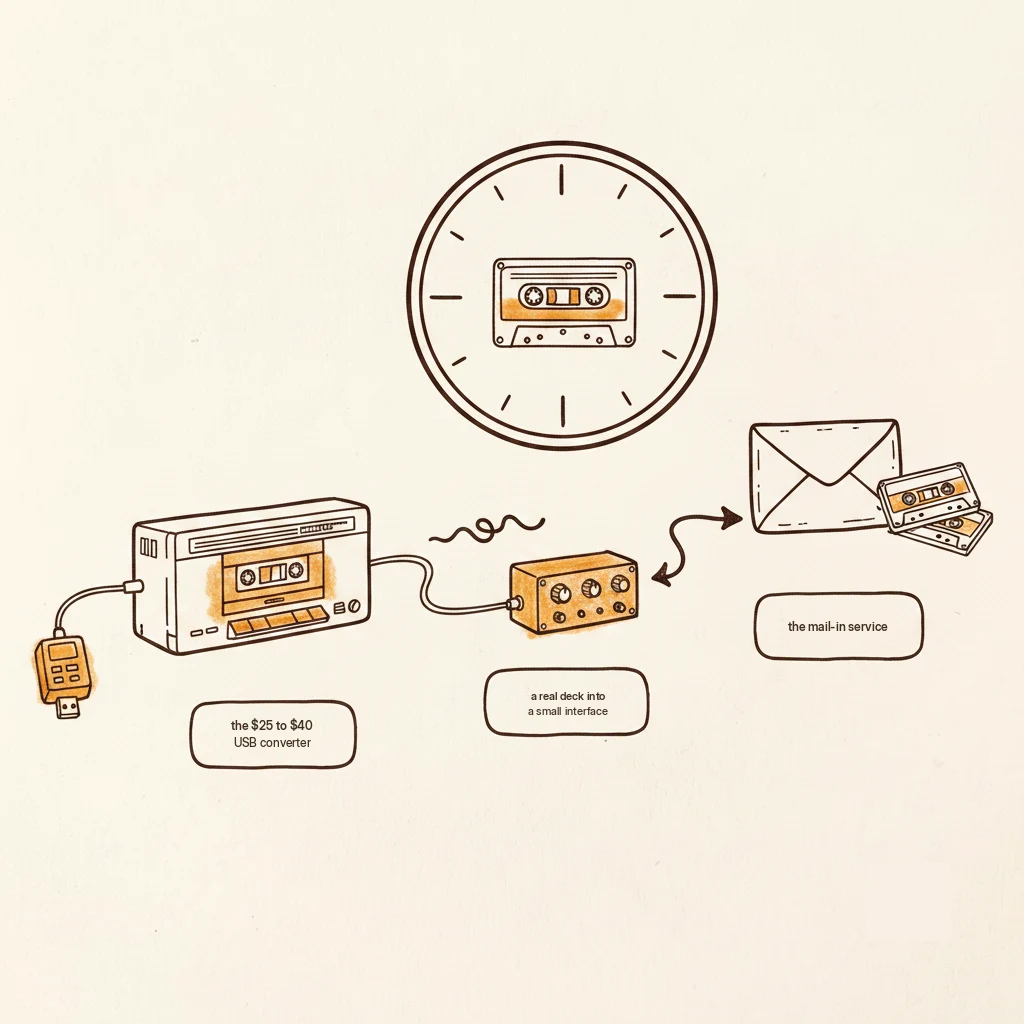
The three paths, priced straight
You’ve got the voices pile by the computer. Here’s how to get them into files, from simplest to fussiest.
The USB converter is the easy road. It’s a little cassette player with a USB cable, about $25 to $40. You plug it in, open the free recording program Audacity, press play, and it captures the sound. For voices and old mixtapes, this is all you need.
The deck-and-interface road sounds a hair better. You take any working tape deck and run it into a small audio box (a Behringer UCA202 runs about $30) that feeds your computer cleaner sound. More cables, more fiddling, nicer result.
The mail-in service road is for people who’d rather not touch it. You box the tapes, they do the work, you wait about 4 to 6 weeks and pay per tape. On a big box that adds up fast, but for one irreplaceable tape it can be worth every penny of the certainty.
The truth nobody tells you first
Every method transfers in real time. There is no fast-forward. The tape has to physically play from start to finish, so a 90-minute tape ties up 90 minutes, whether you spent $30 or $300. Nobody selling you gear leads with this, and it's the single most useful thing to know before you start.
So don’t fight it. Make it pleasant. Pour a coffee, press play, and actually listen while it runs. The real-time “problem” is secretly the whole point: you’re hearing these voices again anyway.
About quality, honestly
Here’s a thing the fancy services won’t put on the sales page. The digital file is only ever as good as the tape and the player. A $400 service can’t add music the tape doesn’t still hold. It’s faithful, not remastered.
That means clean playback matters more than the price tier of the gadget. A healthy player with clean heads and a good belt beats an expensive service running a worn-out deck. Get the playback right and any of the three paths gives you an honest copy.
Audacity, in three sentences
Audacity is free, it records whatever plays into your computer, and it exports to MP3 or WAV when you’re done. The only two buttons you truly need are Record and Export. Follow Audacity’s own getting-started walkthrough for the rest, because this page isn’t a manual and their pictures beat my paragraphs.
One compatibility footnote: those metal-formula blank tapes need a deck that can handle metal tape, or they’ll play back thin and wrong.
Two traps to skip. Boxes that brag they “convert to CD” are solving a 2005 problem; you want files, not discs, in 2026. And any service that returns your recordings only on their own cloud account, ask for the actual drive or download. Your memories shouldn’t live behind someone’s login.
Skip this unless you like the nerdy part. Real-time transfer isn't laziness in the design, it's physics. The sound is smeared out along the length of the tape, and the only way to read it is to drag every inch of it physically past the playback head at the speed it was recorded. Speed the tape up and you'd raise the pitch and scramble the sound, the way a record played too fast turns everybody into a chipmunk. There's no shortcut because the tape IS the timeline.
The $30 converter and a Sunday afternoon. Pour the coffee, press play, and actually listen while it transfers. For the one tape you truly can't lose, pay a service and let somebody careful handle it.
Questions people actually ask
How do I get the best quality transfer?
Focus on playback, not gadgets. Clean the player’s heads, make sure the belt is healthy, and use a deck that suits the tape (metal tapes need a metal-capable deck). The transfer is faithful, not magic. It captures what the tape still holds, so a good, clean play matters more than an expensive box.
Does converting a tape damage it?
The recording is safe. A gentle player just plays it. The real risk with old tapes is a dried-out rubber belt inside the player snapping or slipping, which is a player problem, not a transfer problem. If a deck sounds slow or won’t spin, stop and sort the player out before feeding it a precious tape.
Can I convert VHS the same way?
Same idea, different box. Video tapes use a video capture device instead of a USB cassette converter, and the real-time rule still applies. If your box has camcorder or VHS tapes in it, that’s a close cousin of this job, handled on its own page.
If you buy through my links the site earns a little coffee money. Doesn’t change the price, doesn’t change my answer.
Getting these into files, you're probably also wondering:
Gus Harmon
Gus spent three decades running sound wherever somebody needed it: bar bands, weddings, school shows, and twelve years of Sunday mornings. He can't sing a note. He can make sure you're heard. Now he writes so normal people can buy the right thing the first time.